Student temp mail is a temporary email address that students can use for short-term sign-ups, email verification, webinars, study tools, and other online activities without giving away their primary email address. It works like any other disposable email: create an address, receive the message you need, and stop using it when you're done.
Despite the name, student temp mail does not provide a student or .edu email address. It simply gives students a separate, temporary inbox for situations where they don't need to use their personal or school email.
In this guide, we'll explain how student temp mail works, when it makes sense to use one, what we found when testing it, and where temporary email has important limitations.
1. What Is Student Temp Mail?
Student temp mail is a disposable email address students use when a website demands an email but doesn't deserve your real one. You open a temp mail service like Tempemail.cc, an address is generated for you, you receive the verification email or confirmation link, and you walk away when you're done.
One clarification that saves people a lot of confusion: "student" describes the use case, not the issuer. No university is involved. You will not get a .edu address, you will not get access to student portals, and a temp email proves nothing about your enrollment. It's just a throwaway inbox that happens to be genuinely useful if you're a student, because students sign up for an unusual number of short-lived things.
Student temp mail vs. your school email
| Student Temp Mail | School Email | |
|---|---|---|
| Purpose | Short-term signups and verification | Long-term academic communication |
| Issued by a school | No | Yes |
| Official .edu address | No | Often |
| Account recovery | Limited or unavailable | Designed to support it |
| Best for | One-time or short-term activities | Classes, professors, school systems |
These are two different tools. Your school email is for anything that matters long-term. A temp inbox is for the throwaway layer of your online life.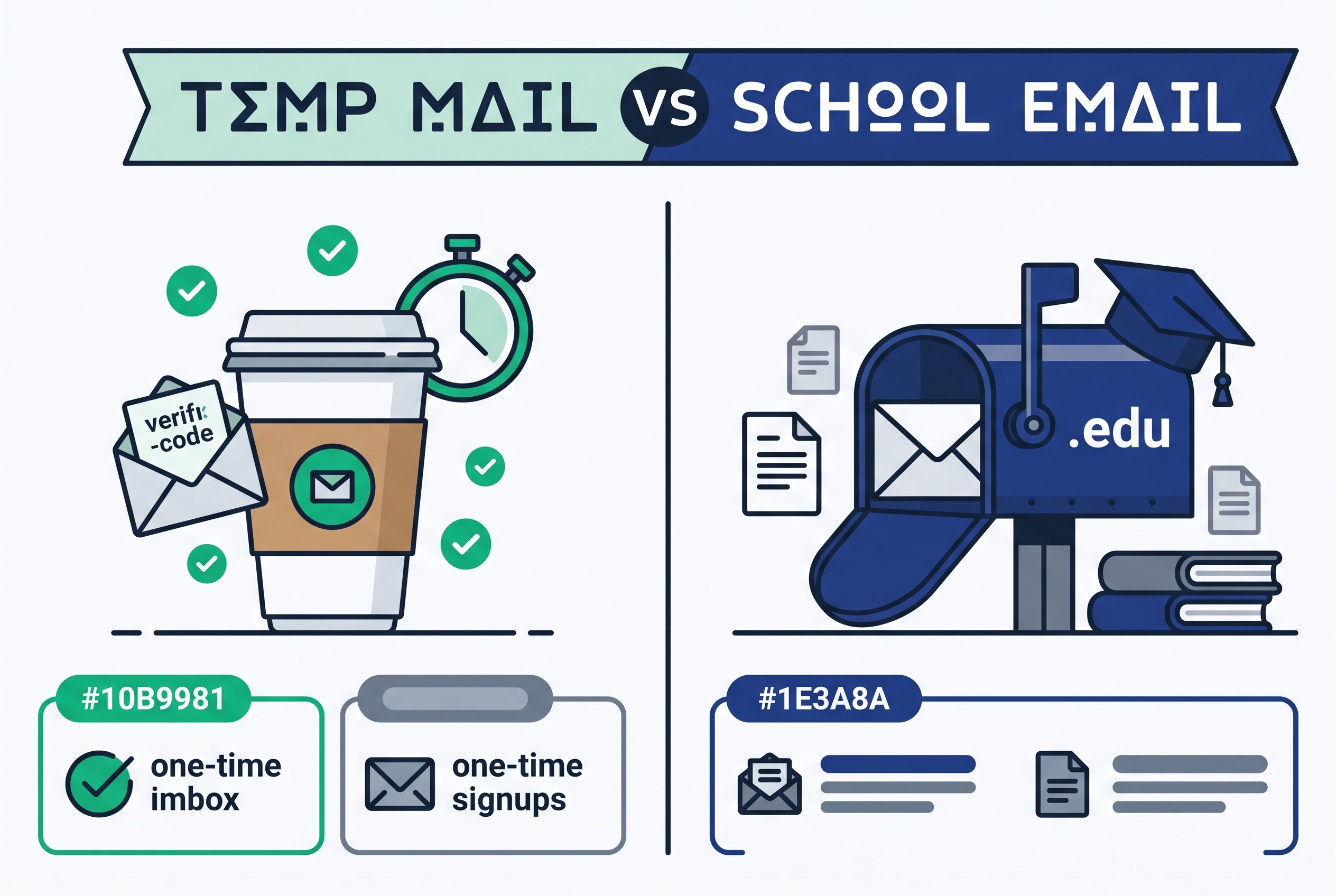
2. Why Do Students Use Temporary Email?
Students sign up for a lot of services during college: learning platforms, study apps, webinars, software trials, event registrations, and gated downloads. Not every one of them needs your primary email address.
A temporary inbox gives you a separate place to receive the message you actually need—usually a verification code or confirmation link—without adding another short-term signup to your everyday inbox.
2.1 One-Time Webinars and Online Events
A webinar usually needs your email to send a registration confirmation or joining link. Once the event is over, you may have little reason to keep receiving messages from the organizer.
A temporary inbox can handle the registration and confirmation without tying the event to your primary email.
2.2 Study Tool and Software Trials
Trying a new study app or software often means signing up for a trial, followed by reminders, product updates, or promotional emails.
A temporary address keeps those trial-related messages separate while you're deciding whether the service is worth keeping.
2.3 Gated Resource Downloads
Some websites ask for an email before giving you access to a guide, template, lecture material, or other resource.
If you only need the verification link and the download, a temporary inbox can handle that one-time exchange without adding the site to your regular inbox.
2.4 Testing Accounts and Class Projects
Students sometimes need temporary accounts for class projects, research, software testing, or other experiments.
When the account is only needed for a short period, using a separate temporary address can keep it isolated from your personal and academic email.
2.5 Promotional Sign-Ups You Don't Plan to Keep
Free tiers, product demos, contests, and promotional offers can generate emails long after you've finished using the service.
A temporary address can keep those messages out of your primary inbox. If you actually want future updates from the service, however, a permanent email is the better choice.
The Common Thread
These situations have one thing in common: you need an email address now, but you don't expect to need that inbox later.
That's where student temp mail makes the most sense. It works as a separate, short-term inbox for low-risk activities—not as a replacement for the email account you use for school, recovery, or important communication.
3. When Does Student Temp Mail Actually Make Sense?
Not every student signup needs a temporary email. The key is whether you expect to need the inbox after the initial signup or verification.
| Scenario | Temp mail? | Why |
|---|---|---|
| One-time webinar / online event | ✅ Yes | Usually only needs registration and confirmation |
| Study tool or software trial | ✅ Usually | Keeps trial and promotional emails separate |
| Gated resource download | ✅ Usually | Often only requires email verification |
| Online course | ⚠ Depends | You may need course updates or future access |
| Student software account | ⚠ Depends | Recovery may require a permanent email |
| School account | ❌ No | Requires reliable, long-term access |
| Banking / payment account | ❌ No | Involves sensitive information and account recovery |
A Simple Rule
Ask yourself one question before using a temporary email:
Will I need this email address again later?
If the answer is no, and the activity is low-risk, temporary email may be a good fit.
If the answer is yes—because you need password recovery, ongoing notifications, account access, or important communications—a permanent email address is the safer choice.
4. How We Tested Tempemail.cc for Student Use Cases
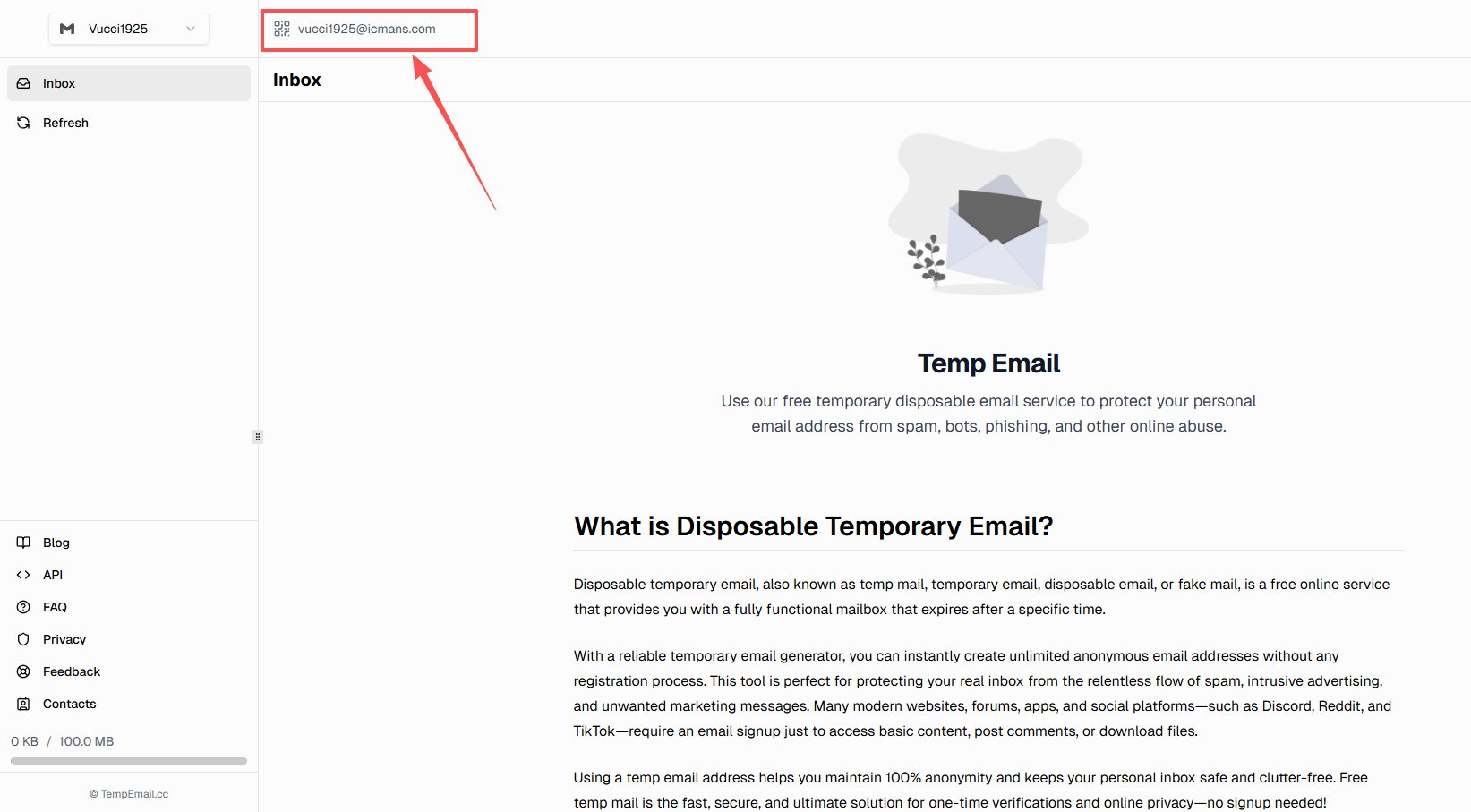
To go beyond a generic overview of disposable email, we ran a temporary address from Tempemail.cc through real email-entry and account flows in August 2026 — the situations students actually hit.
What we tested: Tempemail.cc's temporary email address, auto-generated on the site ([email protected]).
What the findings suggest: how disposable email performs in common student-type signup scenarios — not a verdict on the "student temp mail" category as a whole. Different services rotate different domain pools, so results with another provider may differ.
Test setup:
- Device/browser: desktop, Chrome, fresh session, no existing Tempemail.cc account
- Network: standard residential connection, no VPN
- Date: August 25, 2026
What we measured:
- How long it takes to get a working address (registration steps, load time)
- Whether real websites accept the address at the email-entry stage
- How the inbox behaves across reloads and sessions
5. Test Results: What We Found
Result 1: Getting an inbox takes zero steps
The address was generated automatically when the page loaded — no registration, no password, no form. In our test, it took roughly five seconds from opening the site to getting a copyable address, and the page displayed a 100 MB inbox quota. The address stayed the same across page reloads within the session.
Result 2: Most sites accepted the address — one didn't
I tested the address against six real-world email entry and account flows. Note: "accepted" below means the website accepted the address at the email-entry stage — it does not mean the full signup or account-creation process succeeded.
| Site | Flow | Accepted at form? | What happened |
|---|---|---|---|
| Dropbox | Password reset | ✅ Yes | No domain error; no account existed, so no email was sent |
| Spotify | Password reset | ✅ Yes | Rejected for "no account linked" — not for the domain |
| Grammarly | Signup | ✅ Yes | Email passed validation; flow stopped at a Google reCAPTCHA |
| Substack (newsletter) | Subscribe | ✅ Yes | Email accepted; flow hit a payment-plan popup, unrelated to the address |
| Notion | Email login | ❌ No | Error at the form: "invalid email domain" — blocklisted |
| Canva | Signup | — | Site-wide Cloudflare challenge; never reached the email step |
Excluding Canva, that's 4 of 5 sites accepting the address at the form. The one rejection — Notion — happened instantly at the form layer, before any email was sent. The results also show why acceptance can't be judged by the size or popularity of a platform alone: different services use different combinations of domain blocklists, CAPTCHA systems, and other anti-abuse controls. For a measured comparison of delivery across twelve services, see our Claude signup test.
Result 3: There are two separate walls — and email is only one of them
Grammarly accepted the temp address and then stopped me at a reCAPTCHA; Canva stopped me at a Cloudflare challenge before I ever typed an email. This is worth understanding: anti-abuse systems are layered (domain blocklists, human verification, IP reputation). A temp mail solves only the email layer. On big platforms you may still hit the other walls — and no email choice gets you past them.
Honest caveats
This is a small sample from a single day. Domain blocklists update continuously, so a service that accepted temp mail today may reject it next month, and vice versa. I also couldn't measure verification-email delivery latency here, because every flow that would have sent mail required an existing account or stopped at a human-verification wall. For a measured comparison of delivery across twelve services, see our Claude signup test.
6. How to Use Student Temp Mail (Step by Step)
Using student temp mail is straightforward: choose a temporary email service, create an address, use it for your short-term signup, and check the inbox for the required verification message.
Here is the basic process using Tempemail.cc as an example.
Step 1: Open a temp mail service
Go to [Tempemail.cc]. The address is generated automatically — no registration. For a one-time verification you don't need advanced features; reliability and inbox access matter more.
Step 2: Copy the address
One click on Copy email. Keep the inbox tab open so you can grab the verification message the moment it arrives.
Step 3: Enter it where the site asks for email
Webinar registration, trial signup, gated download — anywhere a one-time verification is all you need. If the site rejects the domain (you'll see an error immediately, like Notion's), don't retry the same address — the site blocklists disposable domains, and that's a signal this account matters enough to use your real email.
Step 4: Check the inbox and complete verification
Refresh the inbox. You'll get a verification code, a confirmation link, or an activation email. Open it, finish the step.
Step 5: Save what you need — this is the step people skip
Before the inbox expires: download attachments, copy any info you'll want later, and if you decide to keep the account, switch it to a permanent email address in the account settings. Once a temp inbox expires, there is usually no recovery.
7. How to Manage Multiple Temporary Emails
Using more than one temporary email can be useful when you're testing several study tools or working on different short-term projects. The main challenge is keeping track of which address belongs to which account.
A simple system is usually enough:
- Keep inboxes separate. Use different browser tabs or profiles when several temporary addresses are active at once.
- Label the purpose. Make a quick note of which address you used for each signup instead of relying on memory.
- Save anything important. If a temporary inbox contains a confirmation link, download, or account detail you'll need later, save it before the inbox expires.
You don't need a complicated system for a handful of short-term sign-ups. The important thing is to avoid losing track of an address before you've finished using it.
One important limit: managing multiple temporary addresses doesn't turn them into permanent email accounts. If an account becomes important, move it to an email address you can reliably access long-term.

8. Is Student Temp Mail Safe? What It Does and Doesn't Protect
Student temp mail can reduce exposure of your primary email address, but it doesn't make you anonymous or protect the rest of your online activity.
What It Protects
The main benefit is email-level privacy.
When a website only needs an email for registration or verification, using a temporary address means you don't have to give it your Gmail, Outlook, or school email. That can reduce unwanted marketing, follow-up messages, and unnecessary exposure of your primary address.
In simple terms, the temporary inbox creates a buffer between your main email and short-term websites.
What It Doesn't Protect
Temporary email doesn't hide the other information a website may collect.
Depending on the site and your browser, it may still have access to:
- Your IP address
- Browser and device information
- Cookies and other tracking data
- Account activity
- Information you voluntarily provide, such as your name or phone number
So replacing your real email with a temporary one doesn't make you anonymous.
Student TempMail is an email privacy tool, not an anonymity tool.
When You Shouldn't Use It
| Situation | Why not |
|---|---|
| Long-term account access | The inbox may expire |
| Password recovery | You may need the address months later |
| Course announcements and deadlines | Important academic messages need reliable delivery |
| Identity or enrollment verification | A temporary email doesn't prove who you are or where you study |
| Banking, payments, or healthcare | These require reliable access and sensitive-account protection |
| Important university accounts | Keep your official school email connected |
The Simple Rule
If losing access to the email could cause a real problem, don't use temporary email.
For a one-time verification or low-risk signup, a temporary inbox can provide useful separation. For anything important or long-term, use an email account you can reliably recover.
9. Student Temp Mail FAQ
Can students use temp mail for free?
Yes. Tempemail.cc generates an inbox with no registration and no payment.
Does student temp mail give me a .edu email?
No. .edu addresses are issued by eligible educational institutions. No temporary email provider can give you one, and a temp address doesn't verify enrollment anywhere.
Can I use it for online courses and study tools?
For a one-time verification or trial, yes — when the site accepts disposable domains. If the account needs ongoing notifications or long-term recovery, use a permanent email.
Will websites block temp mail?
Some will. In my testing, Notion rejected the address at the form, while Dropbox, Spotify, Grammarly, and Substack accepted it. Acceptance varies by site and changes over time.
What happens when the inbox expires?
The address and its messages typically become unavailable, with no standard recovery process. Save anything you need before then.
Is student temp mail safe?
For low-risk, short-term signups, yes — it keeps your primary address out of the loop. It isn't anonymity, and it's the wrong tool for sensitive accounts.
Can temporary email receive attachments?
It depends on the provider. Some temporary email services display attachments, while others limit file sizes or formats. If you receive an important file, download or save it before the inbox expires — after expiration there is usually no way back.
10. Conclusion: Student Temp Mail for a Cleaner, More Private Inbox
Student temp mail is a practical option when you need an email address for a short-term, low-risk activity. It can help you complete verification, register for a webinar, try a study tool, or access a resource without adding another short-term signup to your primary inbox.
But it isn't a replacement for your school email or personal email. Important academic communication, password recovery, identity verification, financial accounts, and other long-term services should remain connected to an email address you can reliably access.
If you need a temporary inbox for a short-term task, Tempemail.cc lets you create a free temporary email address without registration. Create an address, complete your verification, save anything you need, and stop using the inbox when you're finished.
Use temporary email when the task is temporary. Use a permanent email when the account matters long-term.